
Phigen
AI routine generation
Builds structured routines from your training goal, schedule, and context so each week has clear exercise order, sets, and intent.
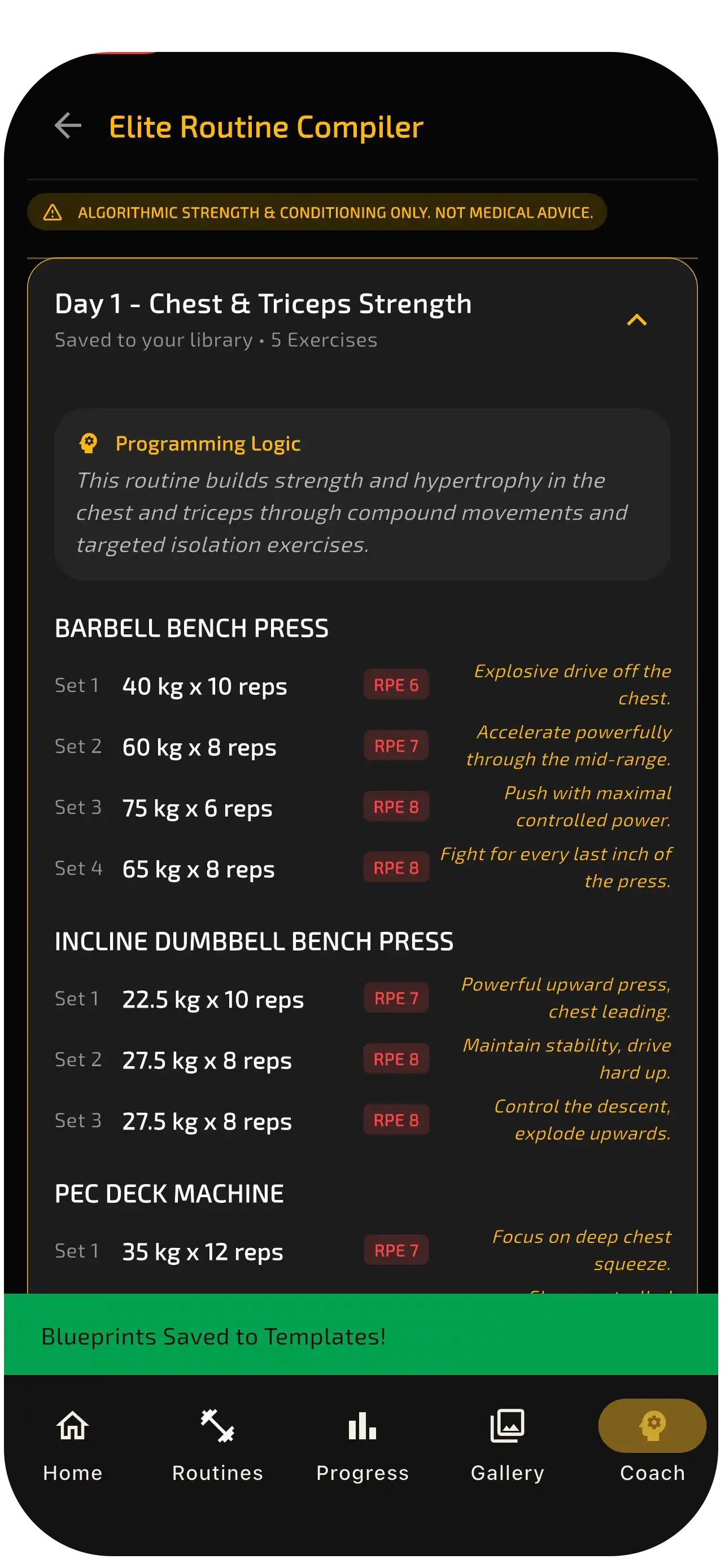
PHIBIDI combines AI routine planning, physique review, workout execution, and progress tracking so your training decisions stay structured.


AI routine generation
Builds structured routines from your training goal, schedule, and context so each week has clear exercise order, sets, and intent.
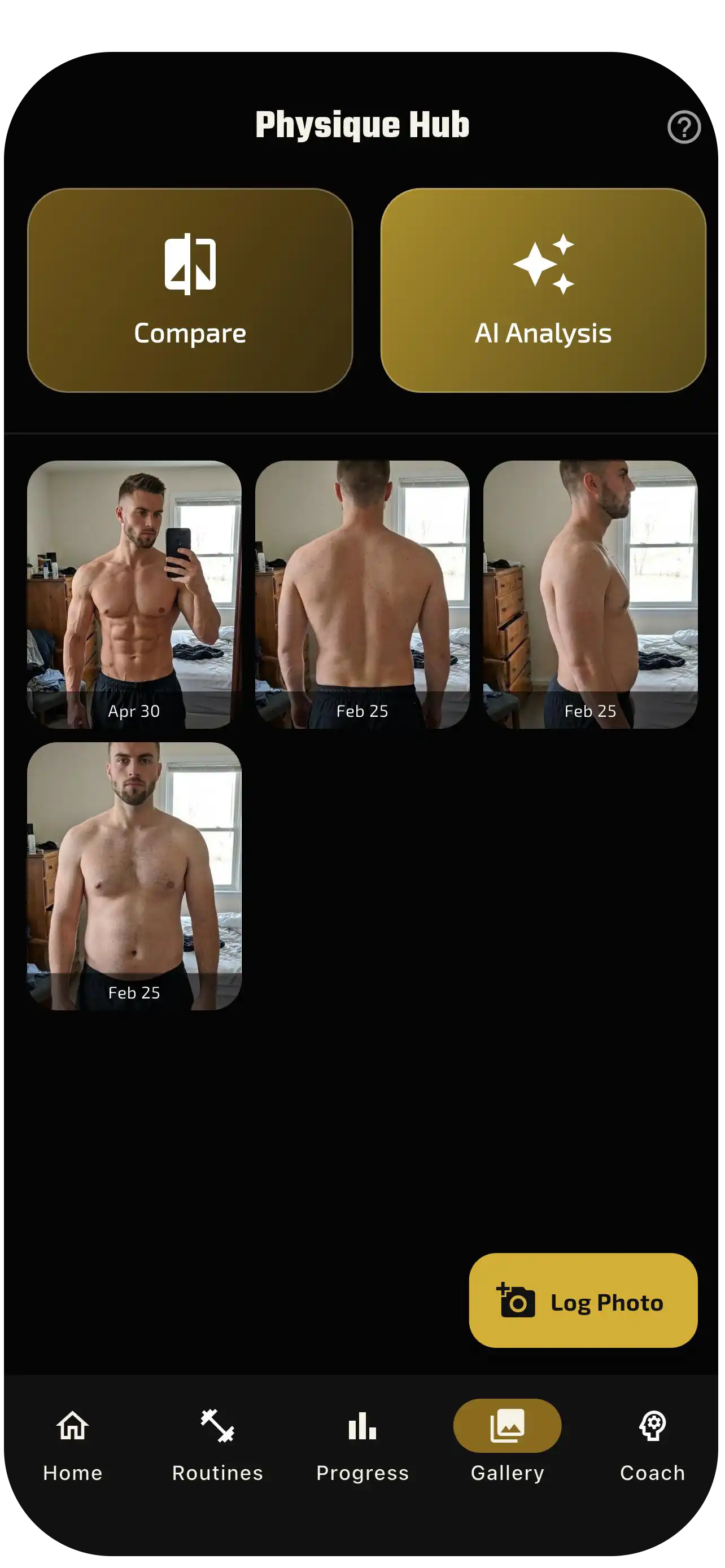
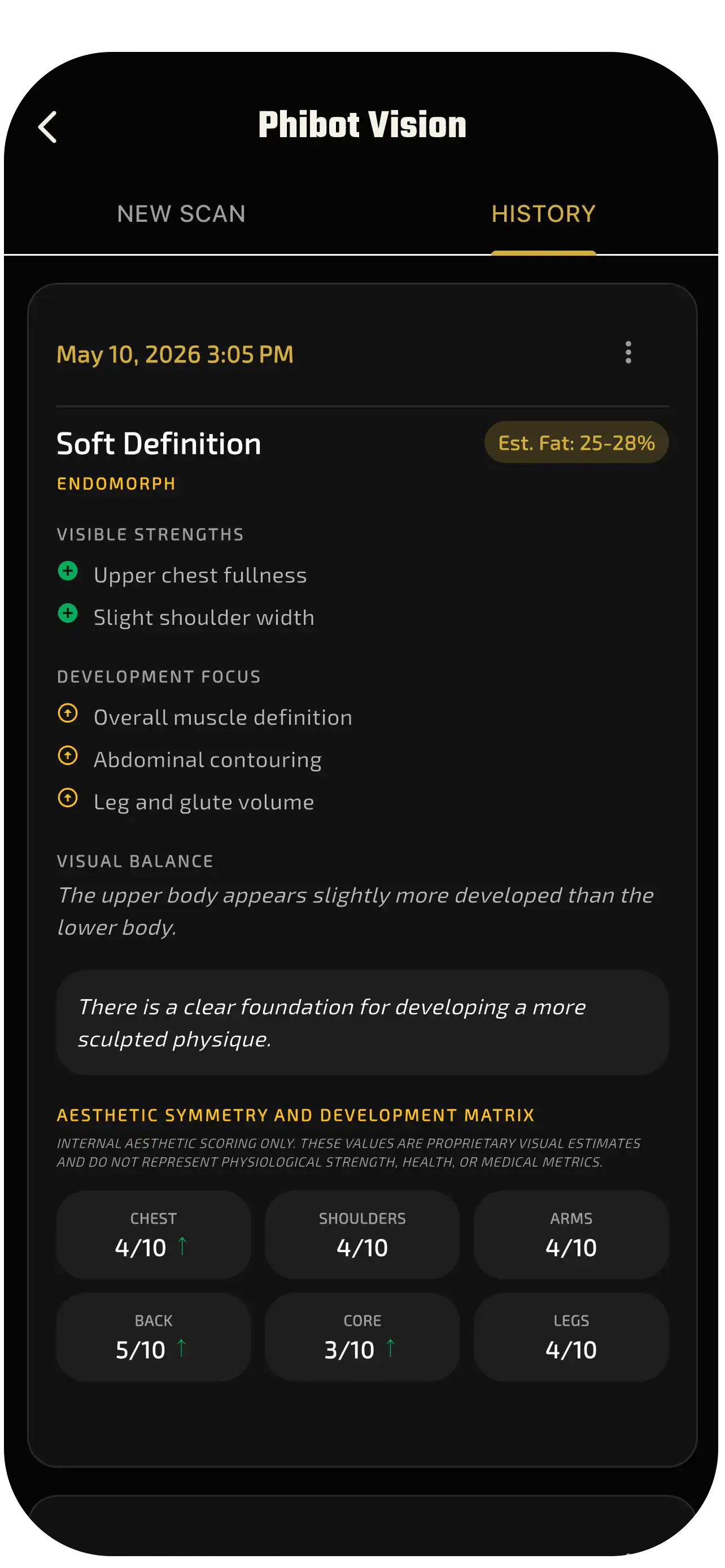
Physique analysis and review
Uses consistent photo inputs to review physique changes and surface practical training focus areas over time.
AI fitness chat coach
Provides guidance for day-to-day training questions, routine understanding, and execution decisions inside the PHIBIDI workflow.
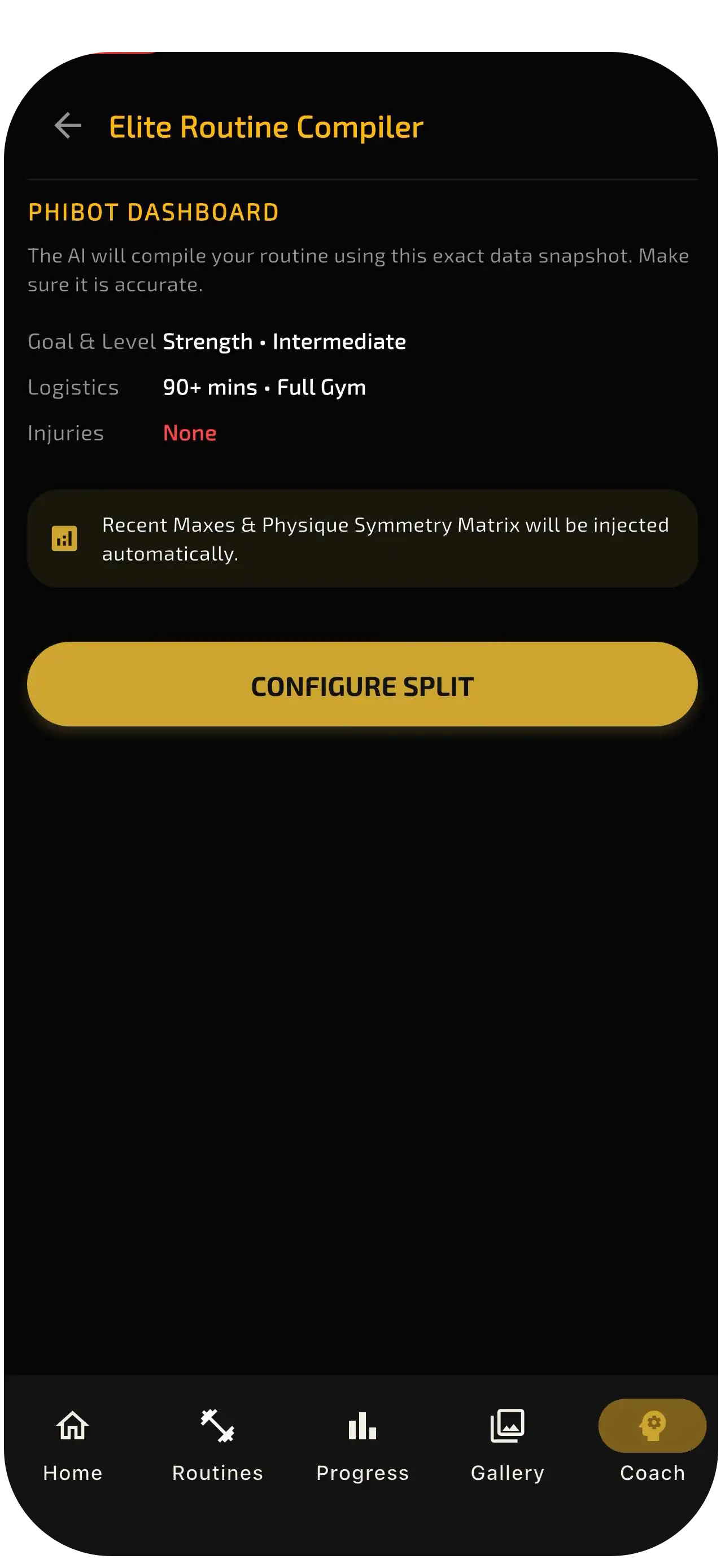
Set your training goal and weekly availability, then generate a plan with clear day structure.
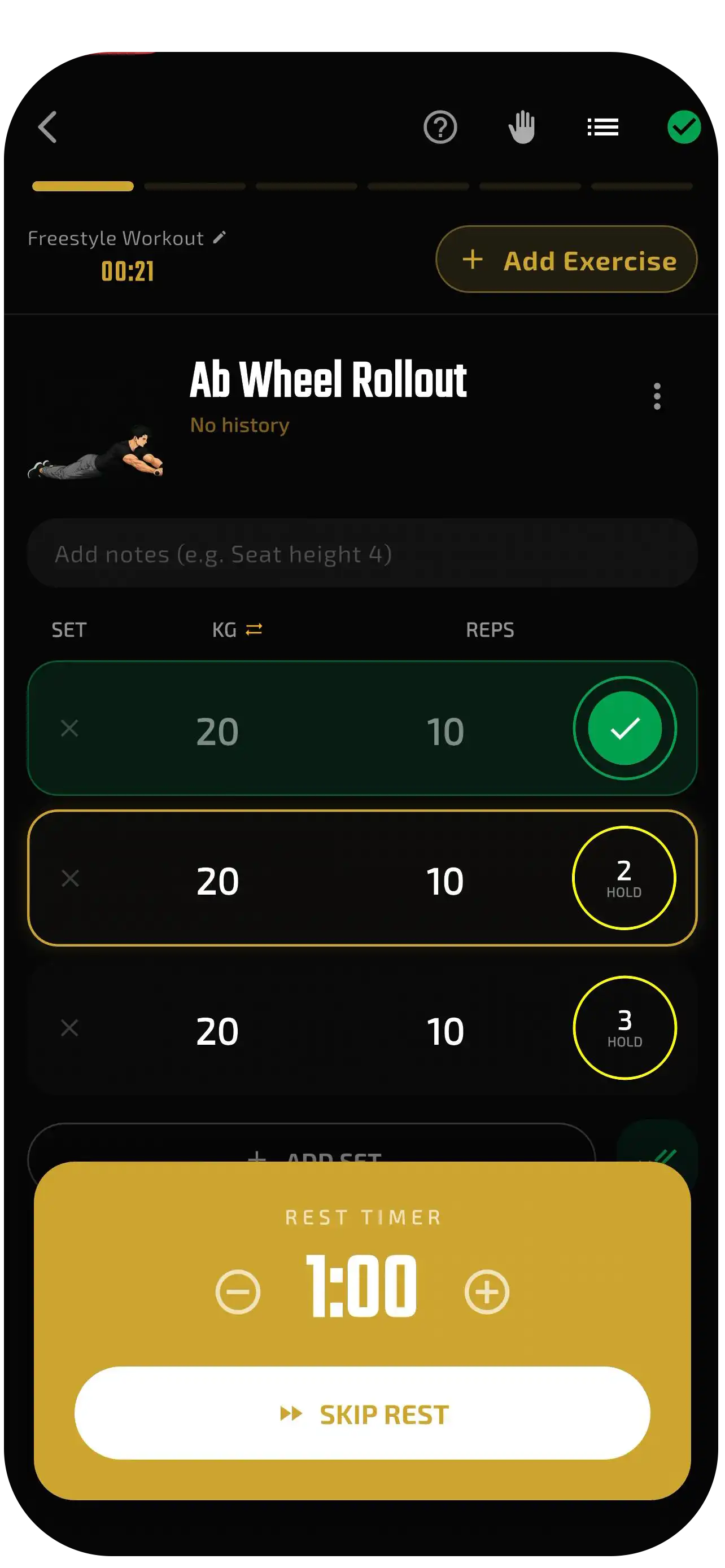
Open the active session view and follow exercise order, sets, and reps with less context switching.
Track reps and load as you train so each session contributes to a consistent performance history.
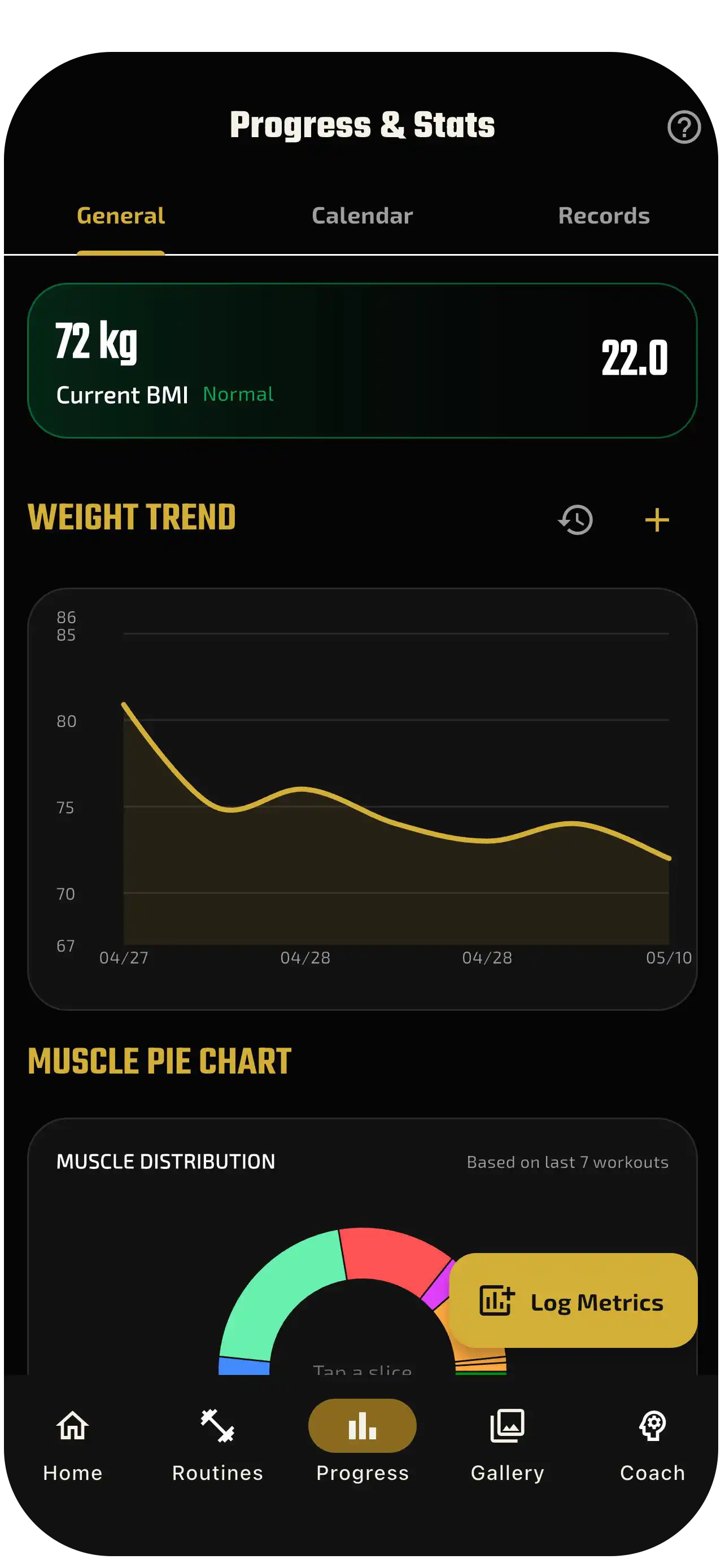
Use trend and consistency views to monitor how body metrics and training outputs move over time.
Check exercise records and past sessions to understand what changed and what to adjust next.
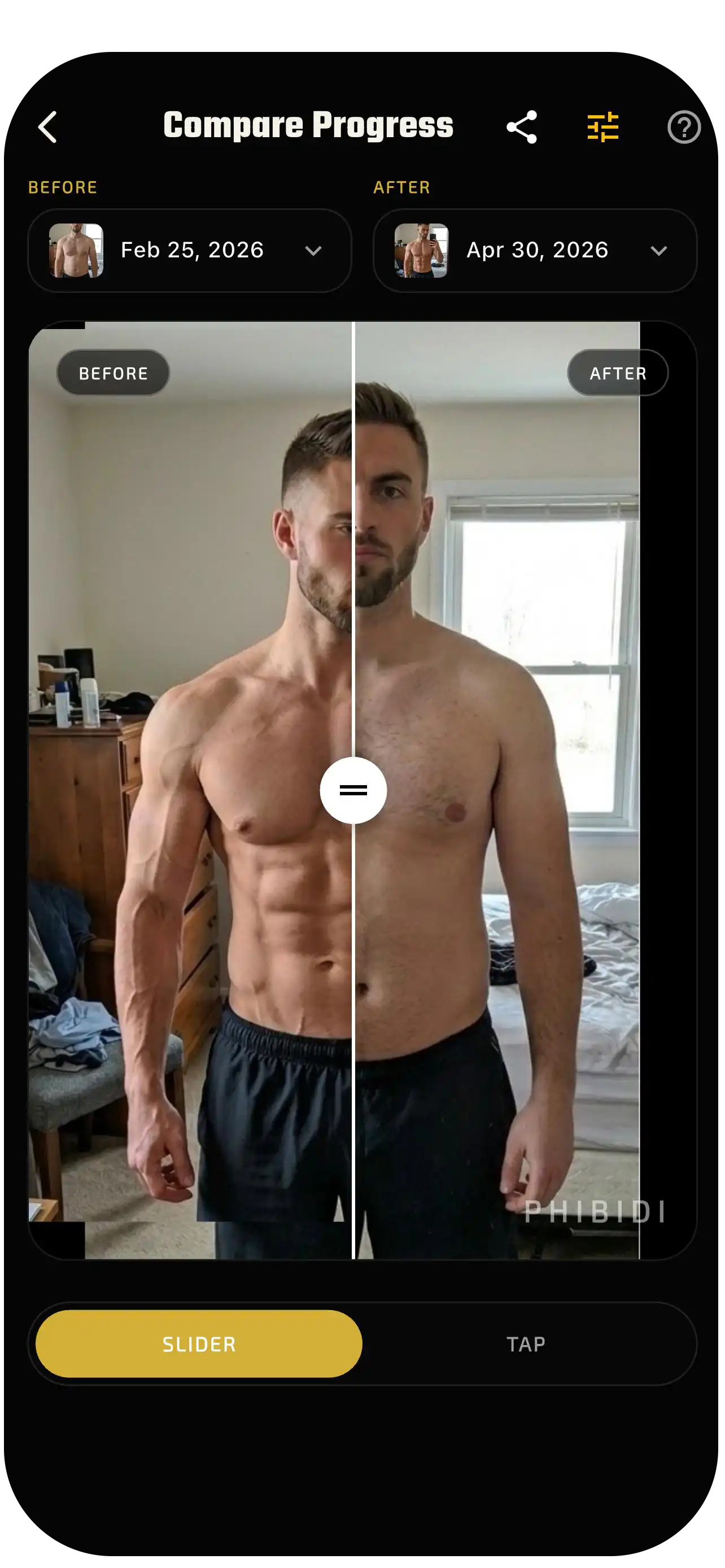
Use gallery and comparison tools to view visual progress with better context than memory alone.
Plan structure, split logic, and progression intent stay visible before you begin each block.
Session flow supports quick set logging and keeps the current workout context front and center.
Review workout records and long-term trend lines together to make clearer training adjustments.
Use visual comparison and gallery workflows to review physique change in a structured way.
Premium access expands AI-assisted planning and deeper review workflows for users who want more control and iteration support.
PHIBIDI is designed for people who want structured training support, from first-time routine users to experienced lifters refining their programming.
Yes. Beginners get clear step-by-step structure, while advanced users can use planning, logging, and progress views for tighter iteration.
PHIBIDI includes dedicated progress tools and policy pages that describe data handling expectations for account, workout, and progress usage.
You can open the App Store and Google Play links below from this page or the homepage download section.